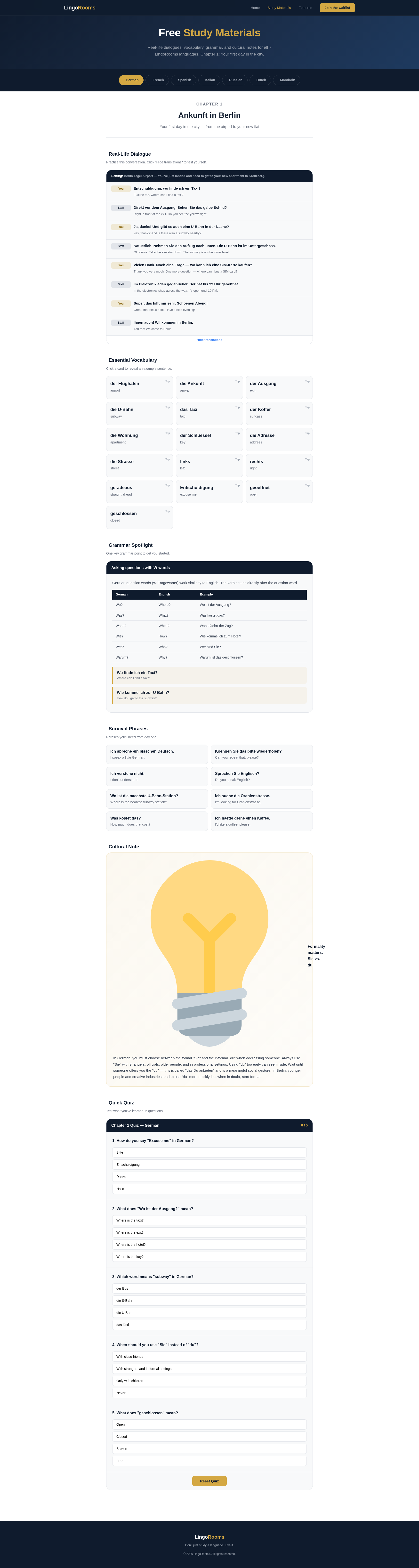
Getting Started
LingoRooms is an AI-powered language learning platform that lets you practise real-life conversations in immersive virtual "rooms." Instead of flashcards or grammar drills, you step into everyday scenarios and have natural conversations with an AI avatar that plays the role of a local.
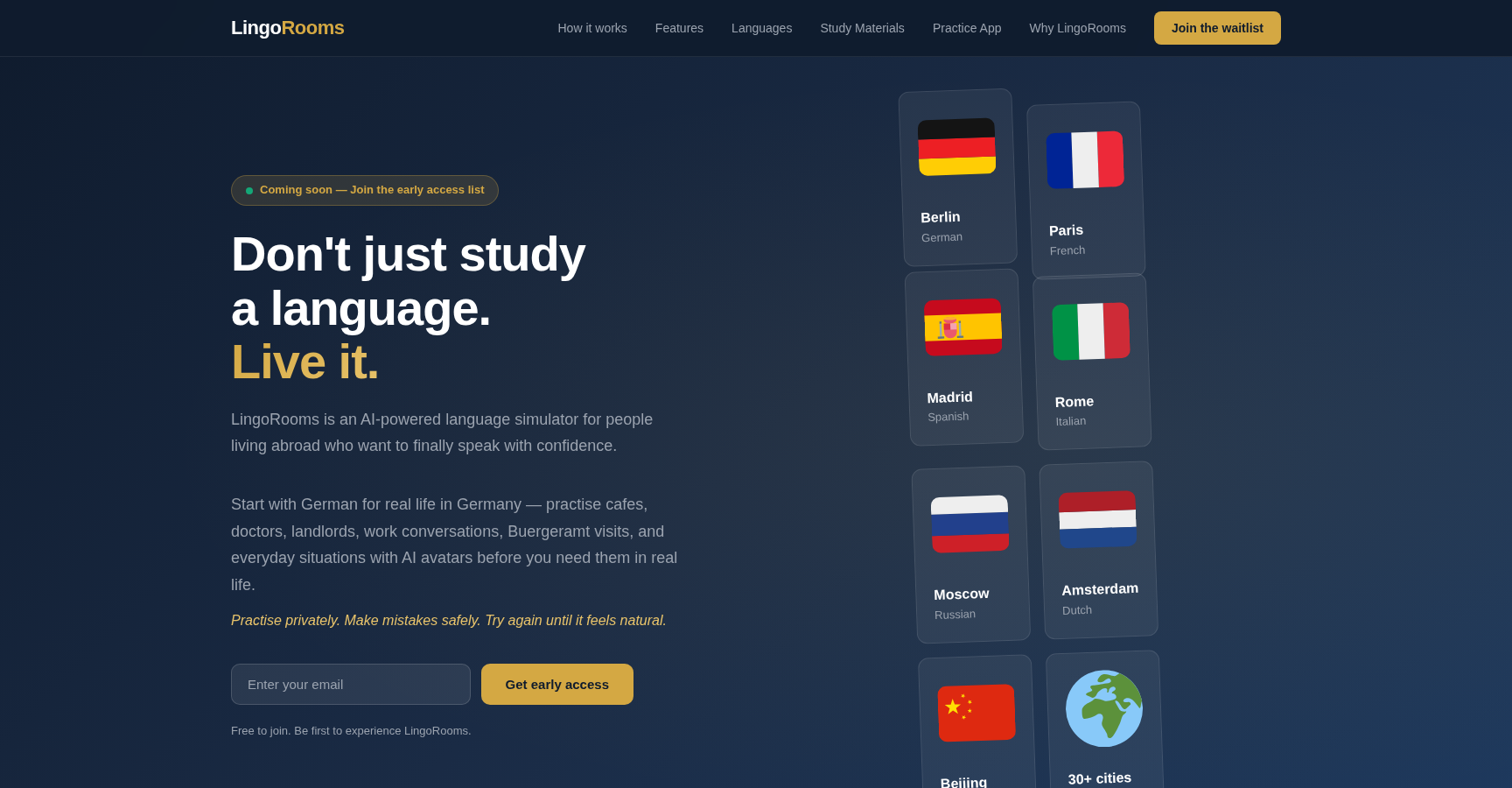
Visit lingorooms.com/app.html to open the app. You can start exploring rooms immediately without an account, but creating one unlocks progress tracking, streaks, XP, vocabulary saving, and access to paid plans.
Creating an Account
- Click Login in the top navigation bar.
- On the Welcome screen, click Register.
- Fill in your name, email, and password.
- Accept the privacy terms (required for GDPR compliance).
- Click Create Account - you're in!
Tip: You can try a conversation without creating an account first. Your progress won't be saved, but it's a great way to see how LingoRooms works.
Languages & Cities
LingoRooms supports 13 languages, each set in a real city with culturally authentic scenarios:
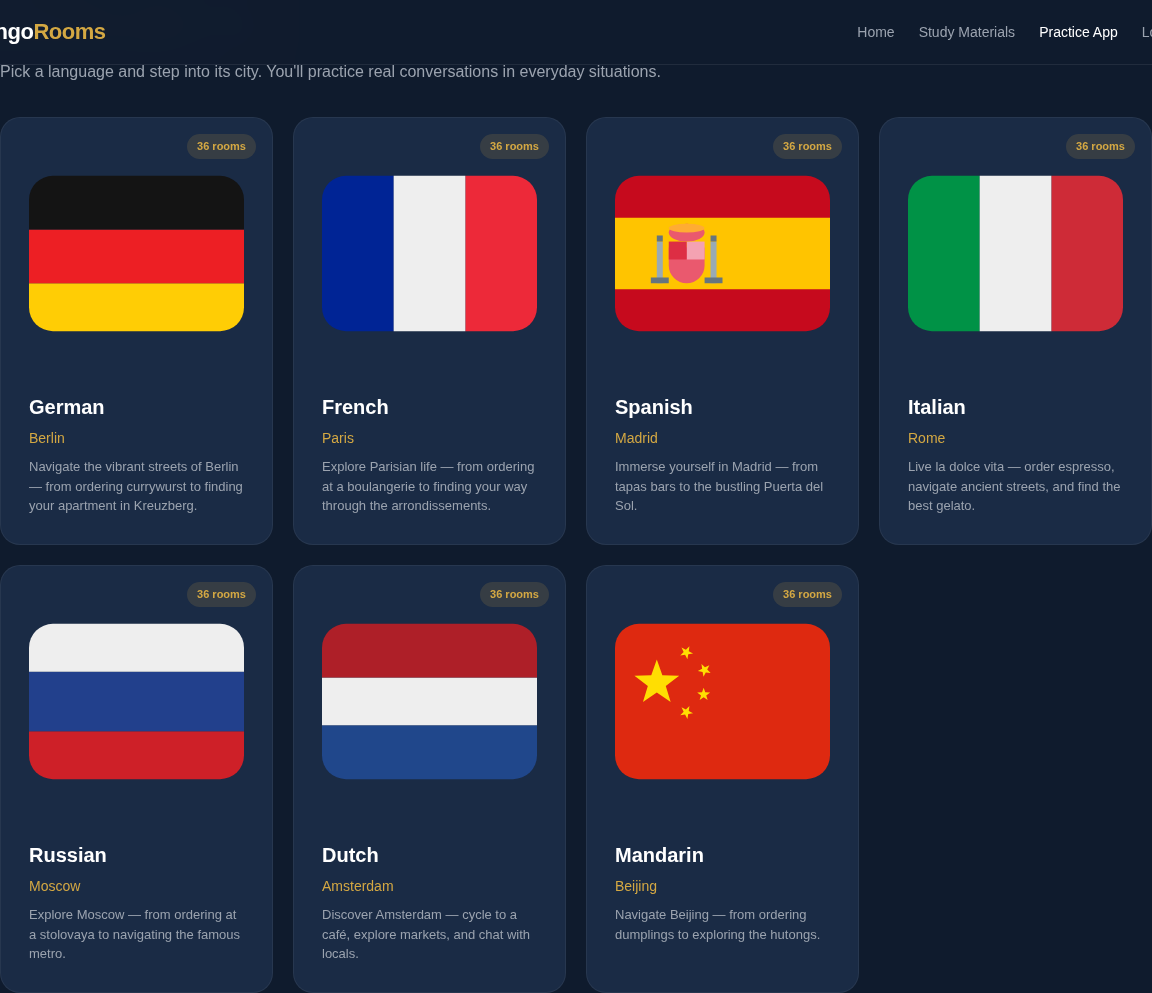
English Pathways spans 5 cities - London, New York, Sydney, Toronto, and Dublin - with content adapted to your native language.
Exploring Rooms
Each language contains multiple rooms - real-life scenarios where you practise conversation. Rooms are organised by CEFR difficulty level. Here's a preview of the German rooms:
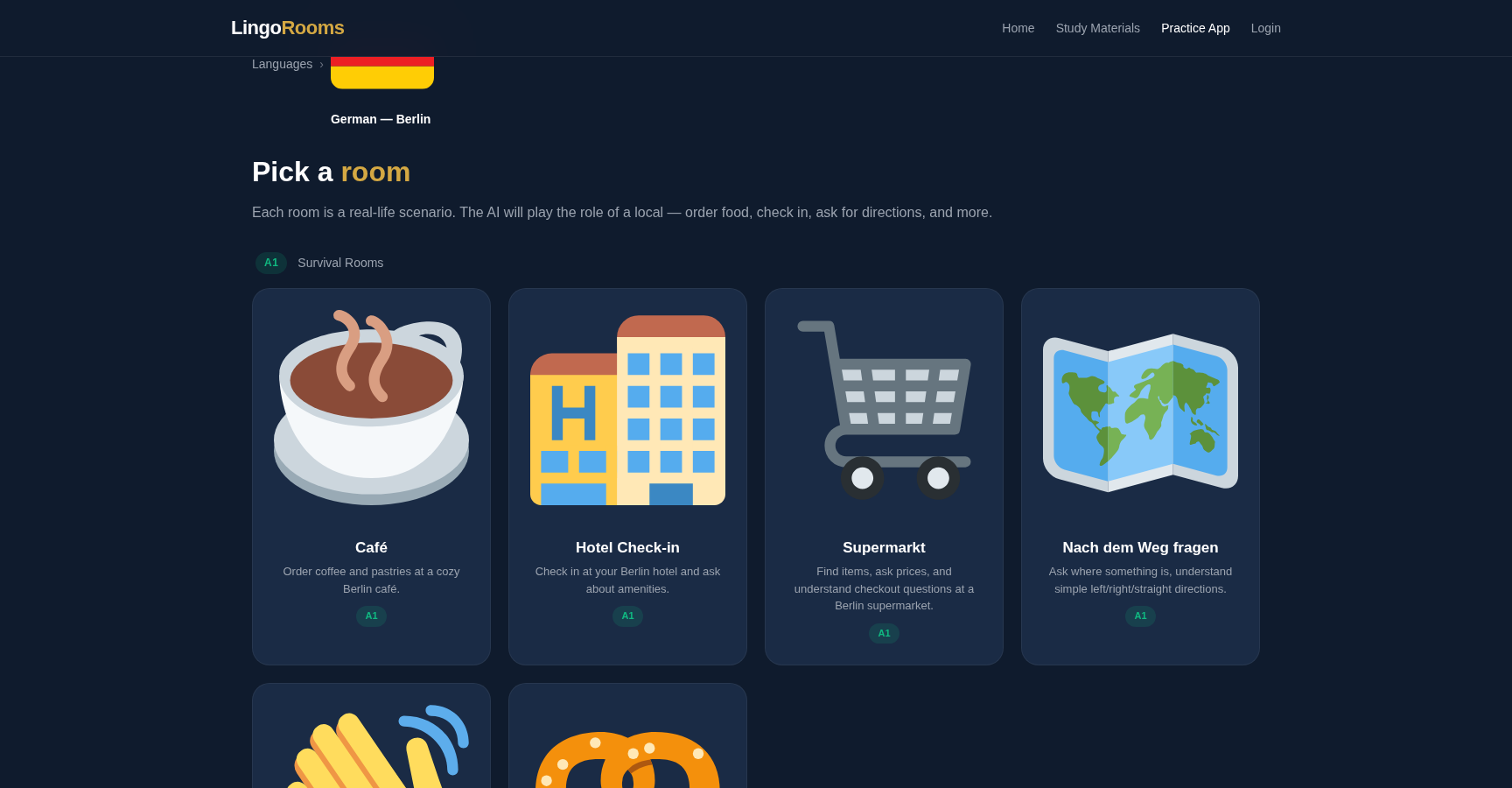
Examples of rooms across different levels:
Hotel Check-in (A1)
Check into your hotel and ask about amenities
Restaurant (A2)
Order food, ask about the menu, request the bill
Doctor's Visit (B1)
Explain health concerns to a doctor
Apartment Hunting (B2)
Discuss lease terms and negotiate rent
Workplace (C1)
Navigate office life, meetings, and presentations
Social / Making Friends (C1)
Small talk, invitations, and socialising

Practice Modes
Full Conversation - A complete immersive scenario with the AI avatar. Quick Practice - A shorter, focused session for when you have limited time. The AI avatar adapts to your level and gently guides you toward correct expressions.
CEFR Levels
LingoRooms uses the Common European Framework of Reference (CEFR) to classify room difficulty:
| Level | Description |
|---|---|
| A1 - Beginner | Simple greetings, basic needs, short phrases |
| A2 - Elementary | Everyday situations, simple sentences, familiar topics |
| B1 - Intermediate | Can handle most travel situations, express opinions |
| B2 - Upper Intermediate | Complex topics, detailed discussions, formal settings |
| C1 - Advanced | Nuanced expression, professional contexts, idiomatic language |
| C2 - Expert Simulation | Near-native fluency, subtle humour, cultural depth |
Not sure which level? Start with A1. If it feels too easy, jump up to A2 or B1. The AI will adapt to your level within the conversation.
Having a Conversation
- The AI avatar introduces the scenario.
- Type your response or click the microphone to speak.
- The avatar responds naturally, continuing the scenario.
- New vocabulary is highlighted and saved automatically.
- When using voice, you receive pronunciation feedback.
- Click the hint button if you get stuck.
- The conversation progresses to a natural conclusion.
After completing a conversation, you'll see a Session Summary with XP earned, new vocabulary learned, conversation highlights, and areas to improve.
Voice or text - your choice. You can type your responses or speak them aloud. Voice mode gives you pronunciation feedback. Text mode is great for practising writing.
English Pathways
English works differently from other languages. Since learners come from many different native languages, LingoRooms offers English Pathways - a many-to-one approach where content is adapted based on your first language.
When you select English, you first choose your native language. LingoRooms then tailors corrections, explanations, and cultural tips specifically for speakers of your language.
7 source languages supported: German, French, Spanish, Italian, Russian, Dutch, and Mandarin speakers can all learn English through tailored pathways across 5 cities.
Tandem Rooms
Tandem Rooms are a social feature where you invite another LingoRooms user to practise together. An AI moderator joins the session to facilitate conversation, correct mistakes, and suggest topics.
Tandem Room limits by plan: Free - 1 invite/month, Plus - 20 invites/month, Premium - Unlimited
Dashboard & Progress
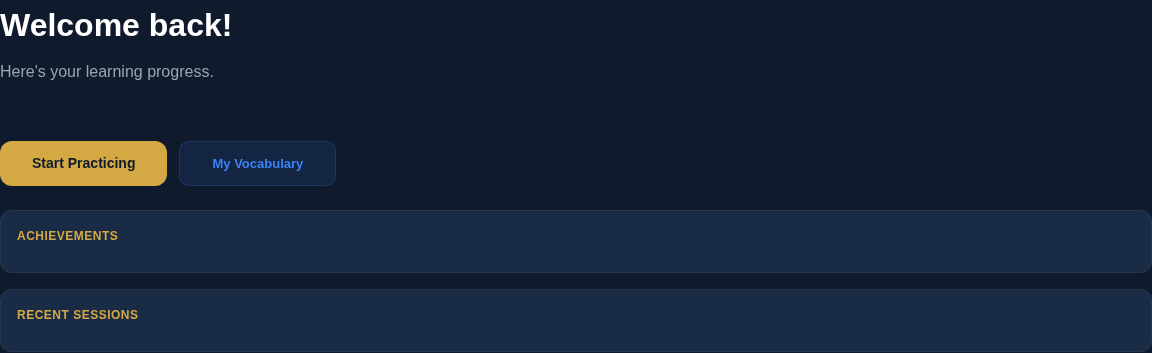
Your Dashboard shows your XP total, current streak, sessions completed, languages practised, and monthly usage overview. The Vocabulary Builder collects all words encountered during conversations with translations and context.
Pricing Plans
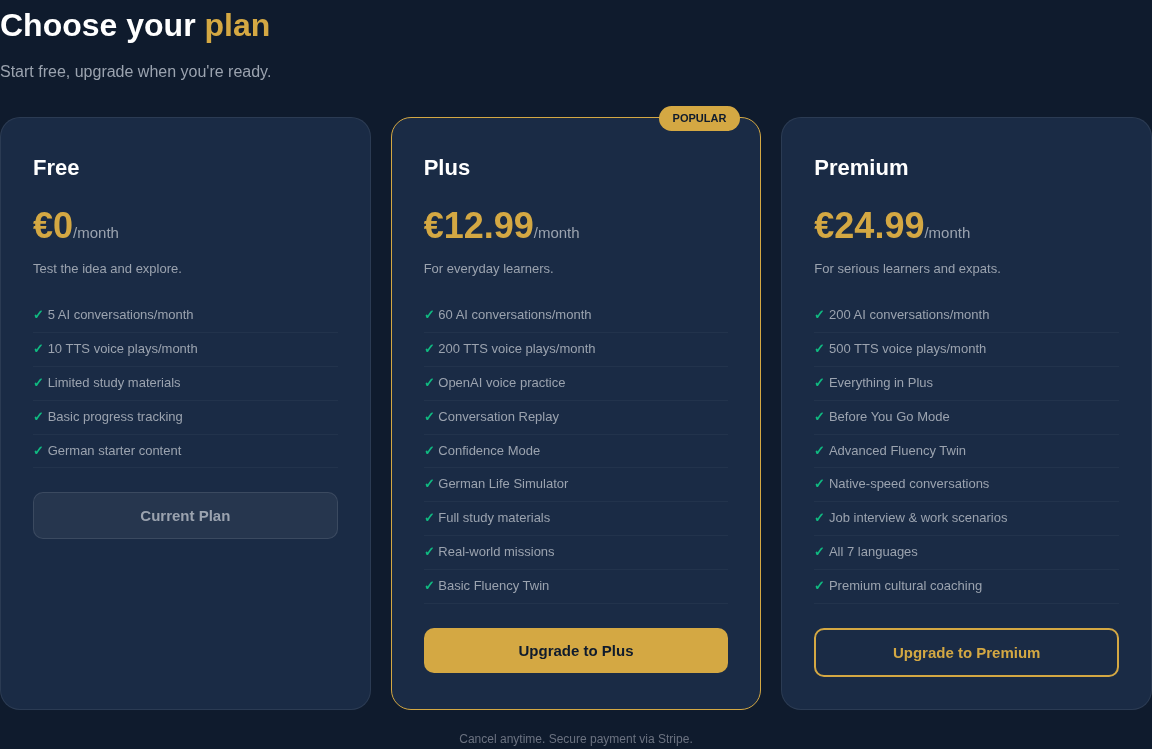
Free
- 5 AI conversations/month
- 10 voice replies/month
- Basic progress tracking
- German starter content
- 1 Tandem Room invite
Plus
- 60 AI conversations/month
- 200 voice replies/month
- Full study materials
- Conversation Replay
- 20 Tandem Room invites
- Top-up packs available
Premium
- 200 AI conversations/month
- 500 voice replies/month
- All 13 languages unlocked
- Advanced Fluency Twin
- Unlimited Tandem Rooms
- Job interview scenarios
All paid plans can be cancelled anytime. Plus and Premium subscribers can purchase top-up credit packs if they run out before their monthly reset.
Partner Portal
The LingoRooms Partner Portal is a management platform for organisations - language schools, universities, corporate training departments, and tutoring services - that want to offer LingoRooms to their learners.
What You Can Do
Manage Learners
Add learners by email and track their progress individually
Create Cohorts
Group learners by class, department, or team
Assign Practice
Create assignments with target rooms, languages, and due dates
Monitor Usage
Track AI sessions and voice replies across your organisation
Getting Started as a Partner
- Visit lingorooms.com/partner-portal.html.
- Click Register and fill in your organisation details.
- You'll start on the free Starter plan (5 seats, 150 AI conversations/month).
- Add learners, create cohorts, and assign practice tasks from your dashboard.
Partner Pricing
| Plan | Monthly Price | Seats | AI Conversations |
|---|---|---|---|
| Starter | €49 | 5 | 150/month |
| Plus | €129 | 20 | 600/month |
| Pro | €349 | 75 | 2,000/month |
| Enterprise | Custom | Custom | Custom |
All partner plans include the full Partner Portal with learner management, cohorts, assignments, and usage analytics. Extra seats and credit packs can be purchased anytime.
Frequently Asked Questions
Free study materials available! Visit lingorooms.com/study.html for dialogues, vocabulary, grammar, survival phrases, and quizzes for all 13 languages.